
1Win Account Registration and Login
1Win registration is required to access real money casino games, sportsbook markets, tournaments, and promotions on this site. Only 1 active account per user is permitted, and you must meet the minimum age requirement that applies in your state or union territory. After you create a new account, you can claim the welcome bonus of 500 percent up to 75,000 INR on your first deposit.
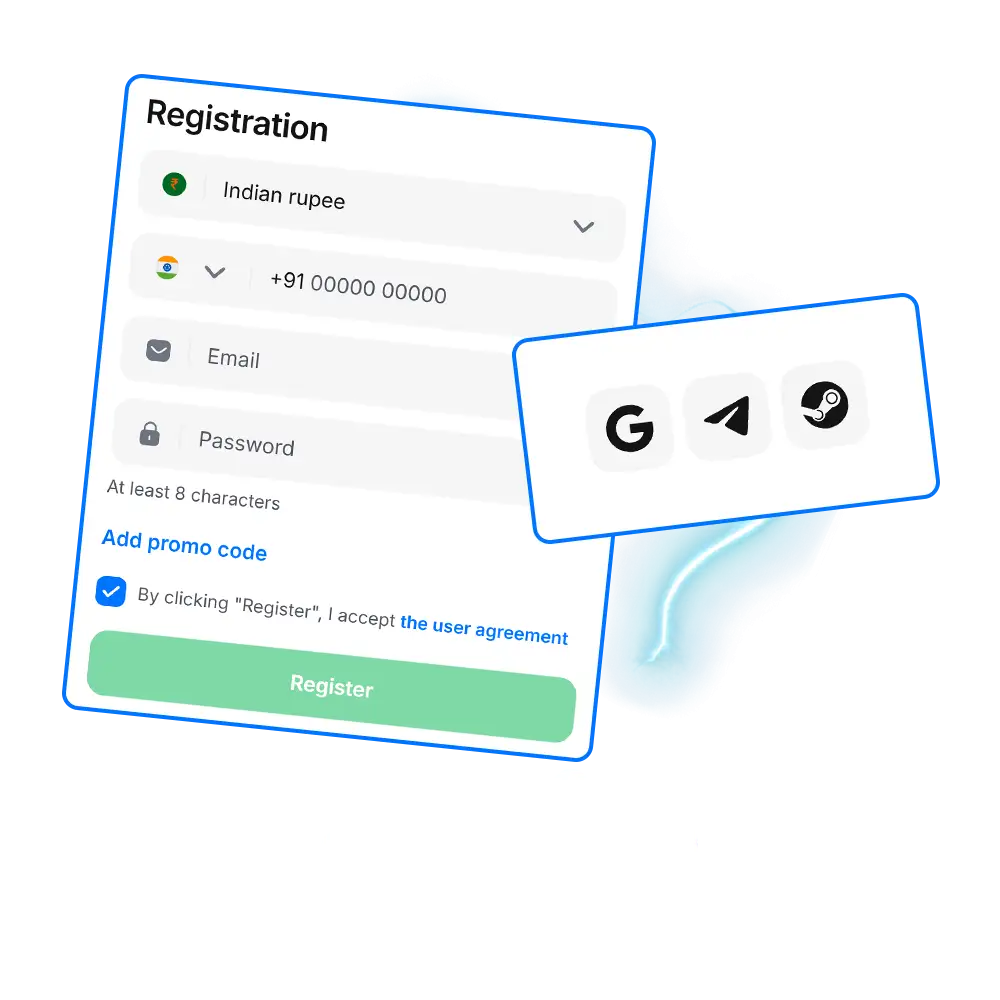
1Win Register Online in 5 Quick Steps
Only users who meet the minimum age requirement and do not already have an active account can complete 1Win registration online.
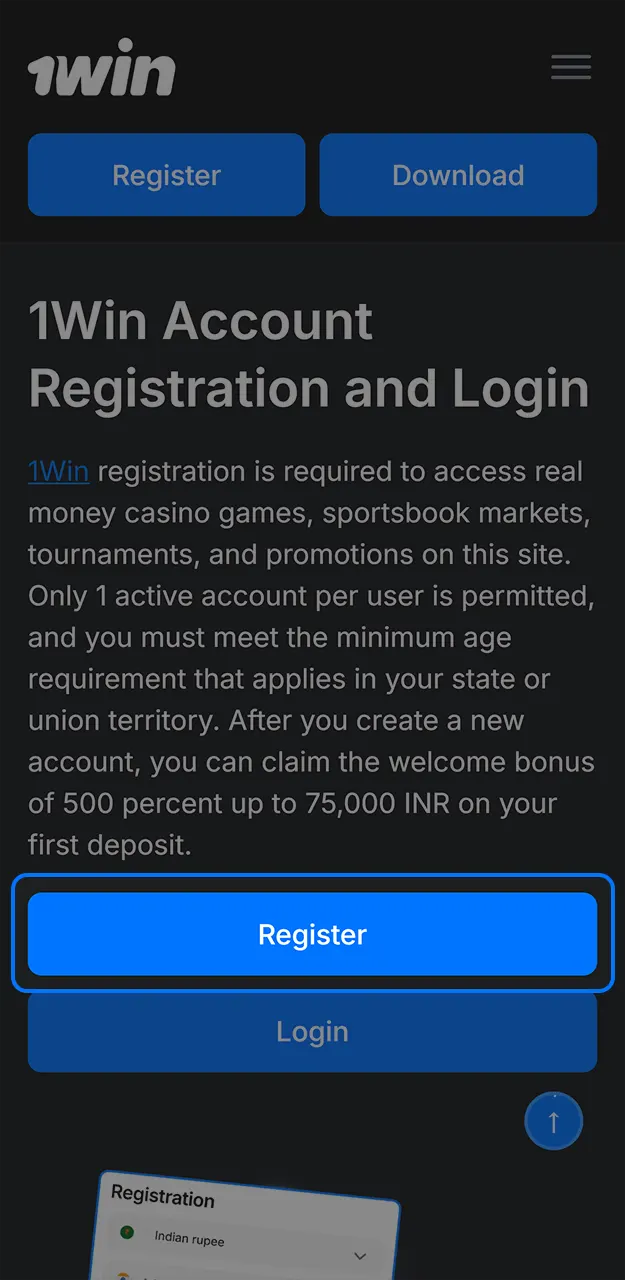
Click Registration
Use the button below to open the sign up form on this website.
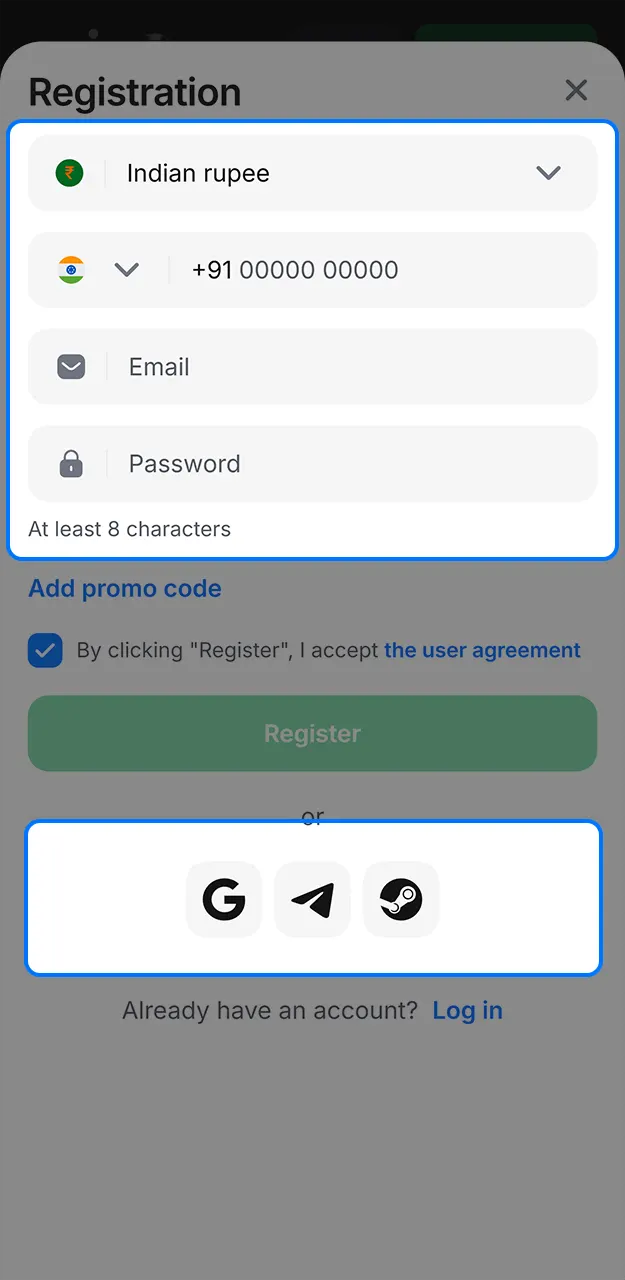
Choose Sign Up Method
Select phone number or email based registration.
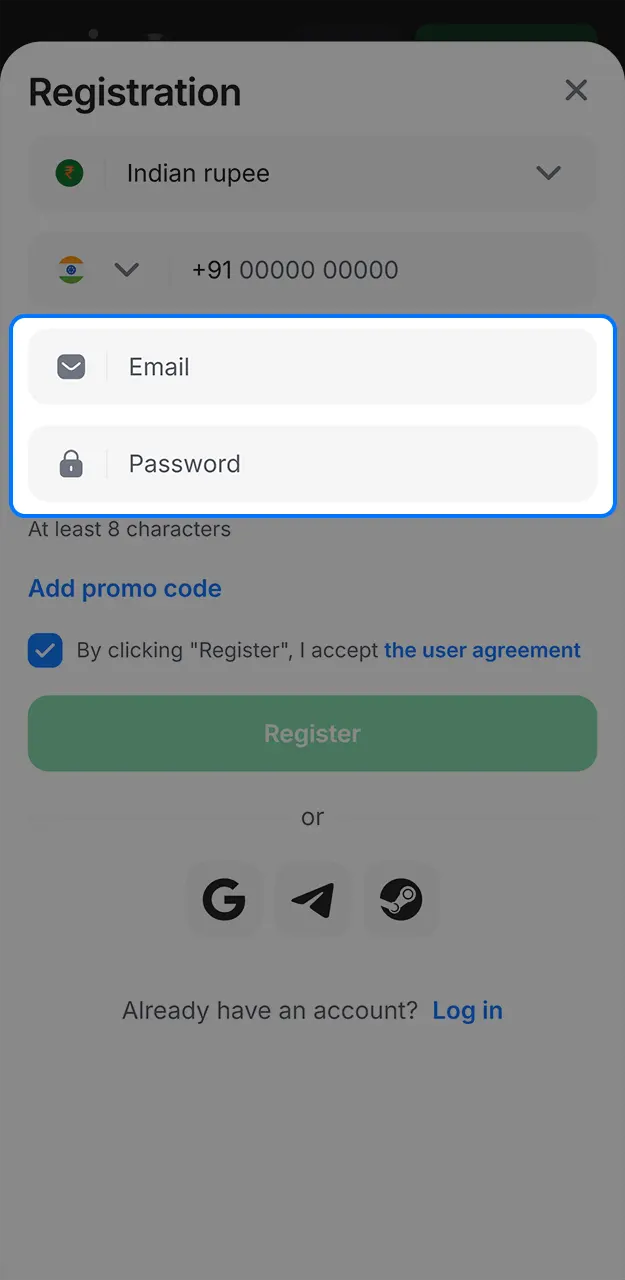
Enter Your Details
Add your mobile number or email, then set a strong password.
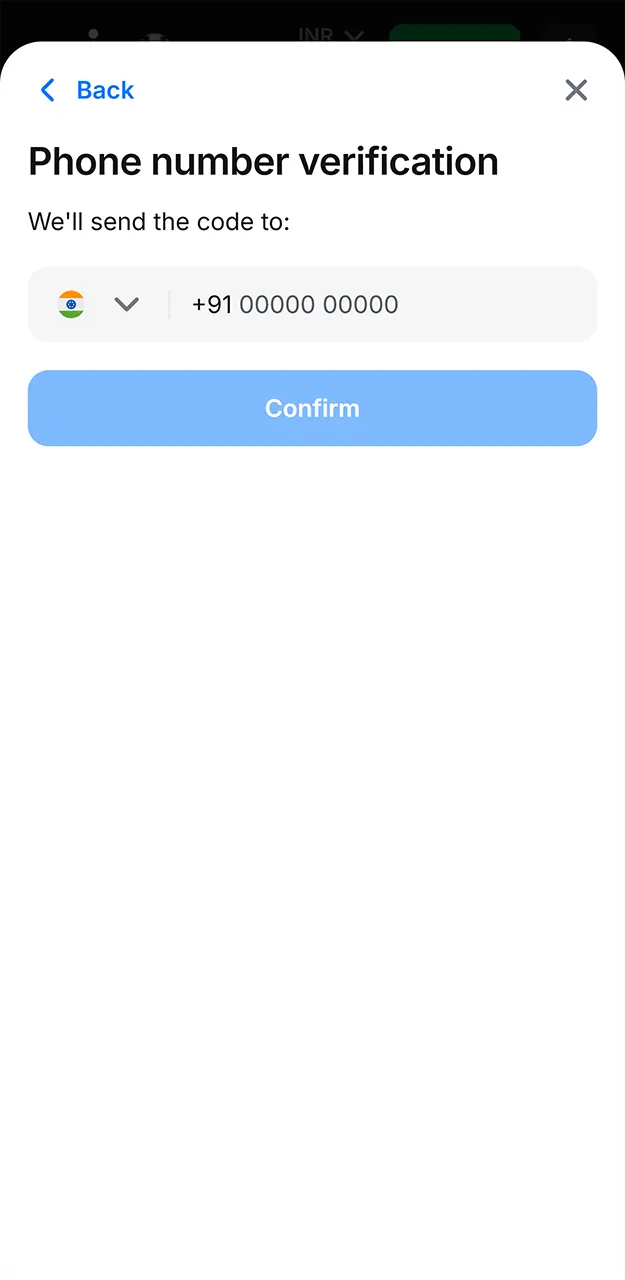
Confirm Your Contact
Enter the OTP or confirmation code sent to your phone or email.
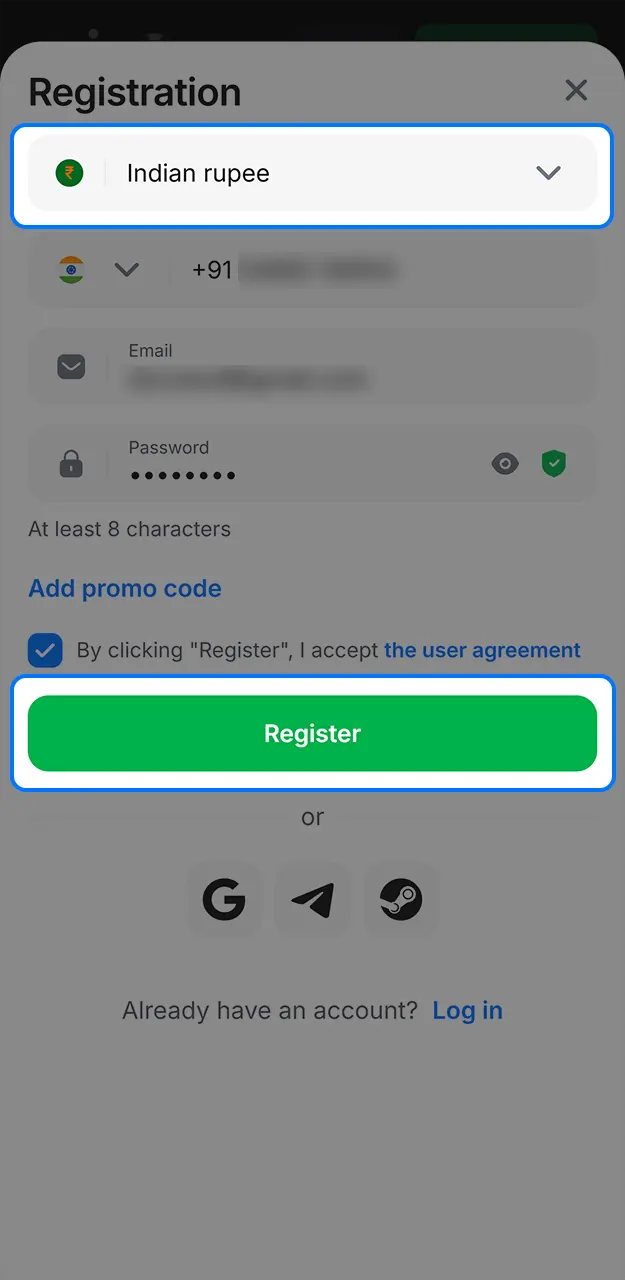
Finish Profile Basics
Select your preferred currency as INR and save your new account details.
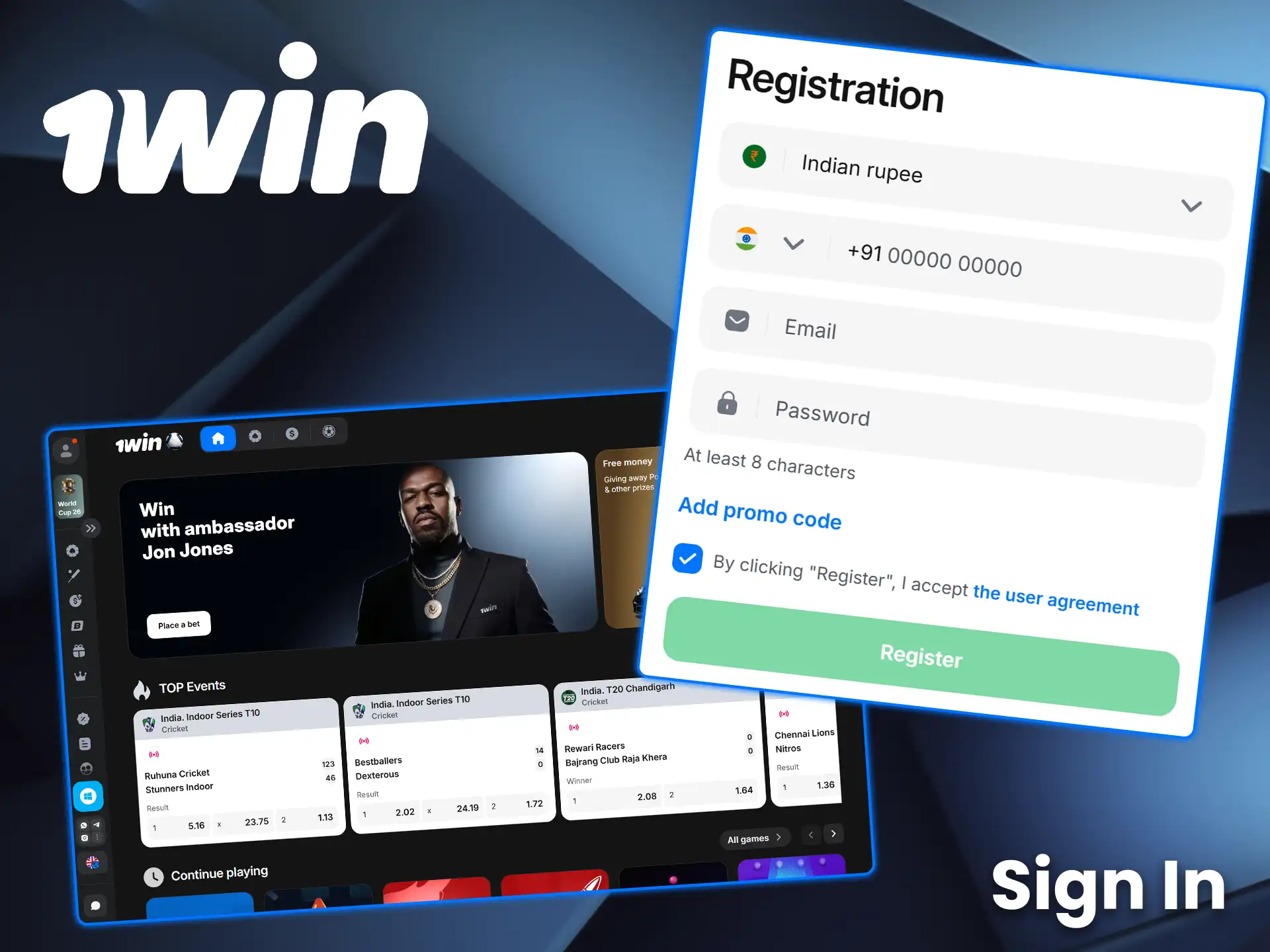
Sign In to Your 1Win Account
Use your registered phone number or email to access your account on the website.
- Click Login. Use the button below to open the sign in panel on this website.
- Enter your login ID. Type the phone number or email linked to your account.
- Enter your password. Use the exact password you set during 1Win sign up.
- Complete the security check. Confirm the prompt if your device or browser requests it.
- Open your profile. Verify you can see your balance, deposit options, and account status.
Use Your Personal Account Menu After Login
After sign in, your personal account panel sits in the top area of the site and opens as a drop down menu.
Your menu links keep core tasks in 2 clicks, including deposit, withdrawals, verification, and security.
- Profile. Update your personal details used for payouts and verification;
- Verification (KYC). Upload documents and track the verification status for your account;
- Deposit. Choose a payment method and add funds in INR to start betting or casino play;
- Withdraw. Submit a payout request and view the withdrawal history for your user profile;
- Bonuses. Check available bonus offers, activation status, and wagering progress;
- Bet history. Review settled and unsettled sportsbook bets tied to your account;
- Casino history. View recent casino game rounds and transaction records;
- Security settings. Change password and manage additional account protection;
- Support. Open the help channel and attach screenshots for faster problem resolution.
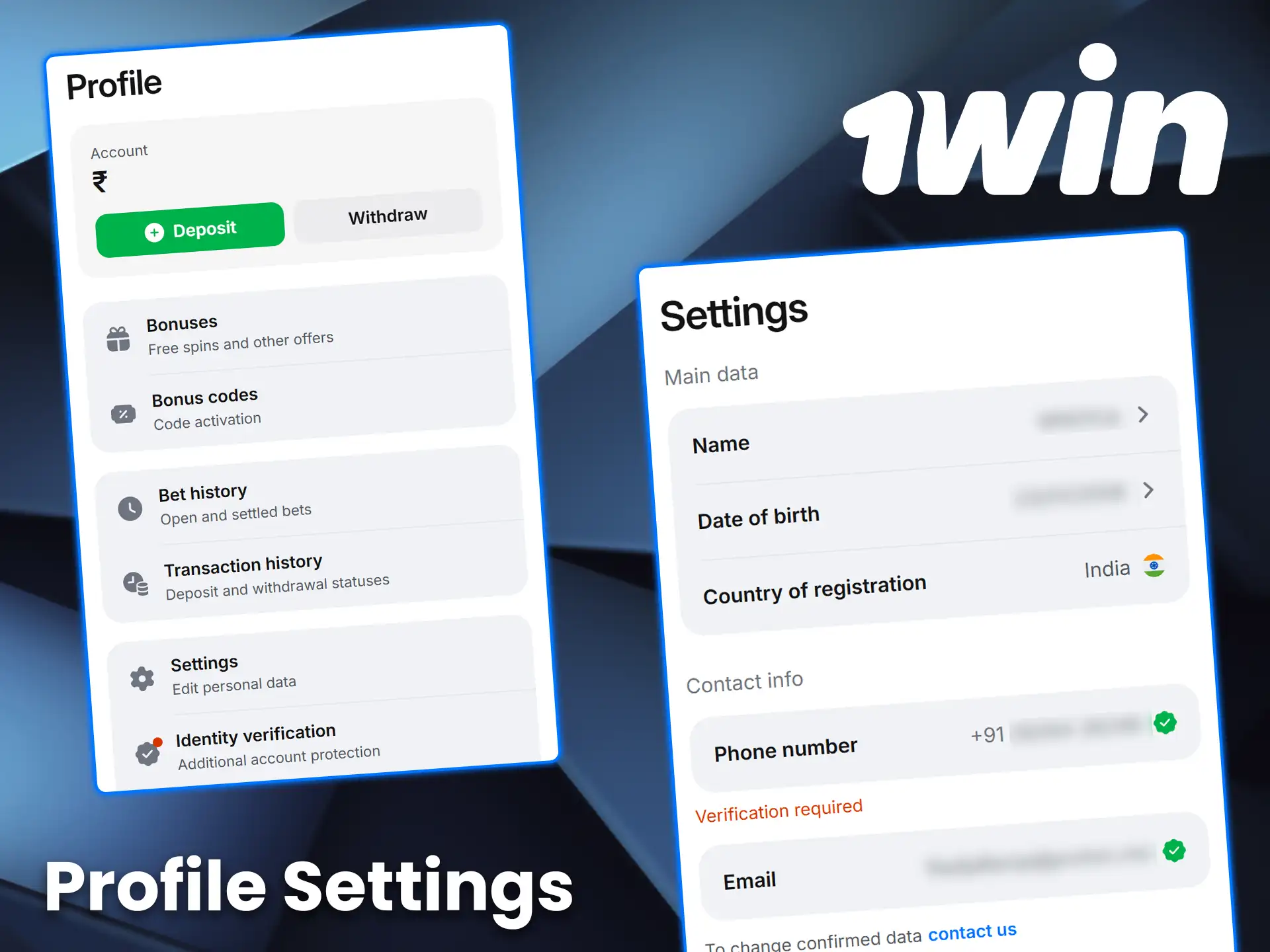
Manage Private Settings in Your Profile
Your account settings let you control login security, contact details, and verification data in one place. Use Security settings to change your password after your first sign in, and update your phone number or email before starting KYC. Keep your name and date of birth consistent with your document to avoid verification delays, and keep your payment details under the same user profile to reduce withdrawal holds.
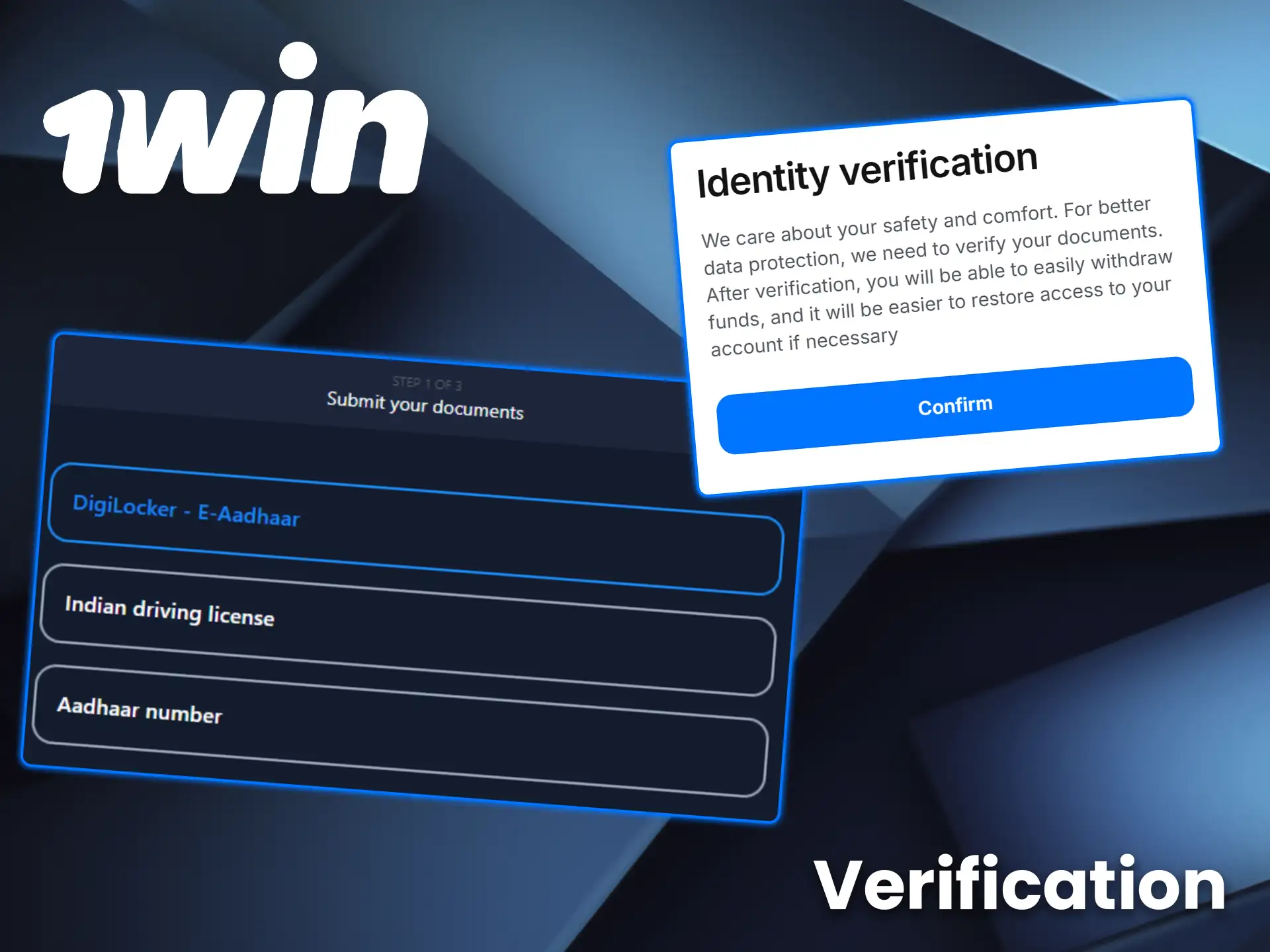
Complete KYC Verification to Confirm Age and Prevent Duplicate Accounts
Verification is required to confirm your age and to ensure no duplicate accounts exist under the same user identity.
- Open Verification (KYC). Go to your profile menu and select the verification section.
- Confirm your personal details. Check name, date of birth, and address for an exact match to your document.
- Upload your ID. Add clear photos of the requested identity document in the upload fields.
- Add address proof if requested. Upload the document shown in the KYC checklist inside your account.
- Submit and track status. Send the request and monitor the KYC status in your personal account panel.
Restricted Jurisdictions for Account Creation
Certain jurisdictions are excluded from registration due to regulatory requirements.
- Afghanistan;
- Belarus;
- Canada;
- Cuba;
- France;
- Iran;
- Iraq;
- Israel;
- North Korea;
- Somalia;
- Sudan;
- Syria;
- United Kingdom;
- United States;
- Yemen.
FAQ
How many accounts can you create on this site
You can keep 1 active account per user, and duplicate profiles can trigger verification checks.
What should you do if you forgot your password
Use the password reset option on the login screen and confirm the code sent to your registered phone number or email.
Can you change your phone number or email after 1Win registration
You can update contact details inside your profile settings, and the site may request a confirmation code.
When should you complete verification
You should complete KYC before your first withdrawal, since payouts can be held until your documents are approved.
How do you activate the welcome bonus after you create account
Complete 1Win register, make your first deposit, then open Bonuses in your account menu to check the 500 percent up to 75,000 INR welcome offer status.
Updated:
Comments