
Download 1Win App for Android and iOS for Free
1Win Android APK is available for direct install. iPhone and iPad users can add the 1Win iOS PWA to the home screen. The mobile app gives full access to sport betting, live bets, slots, live casino, crash games, and deposits. Get the 1Win latest app version on this page.
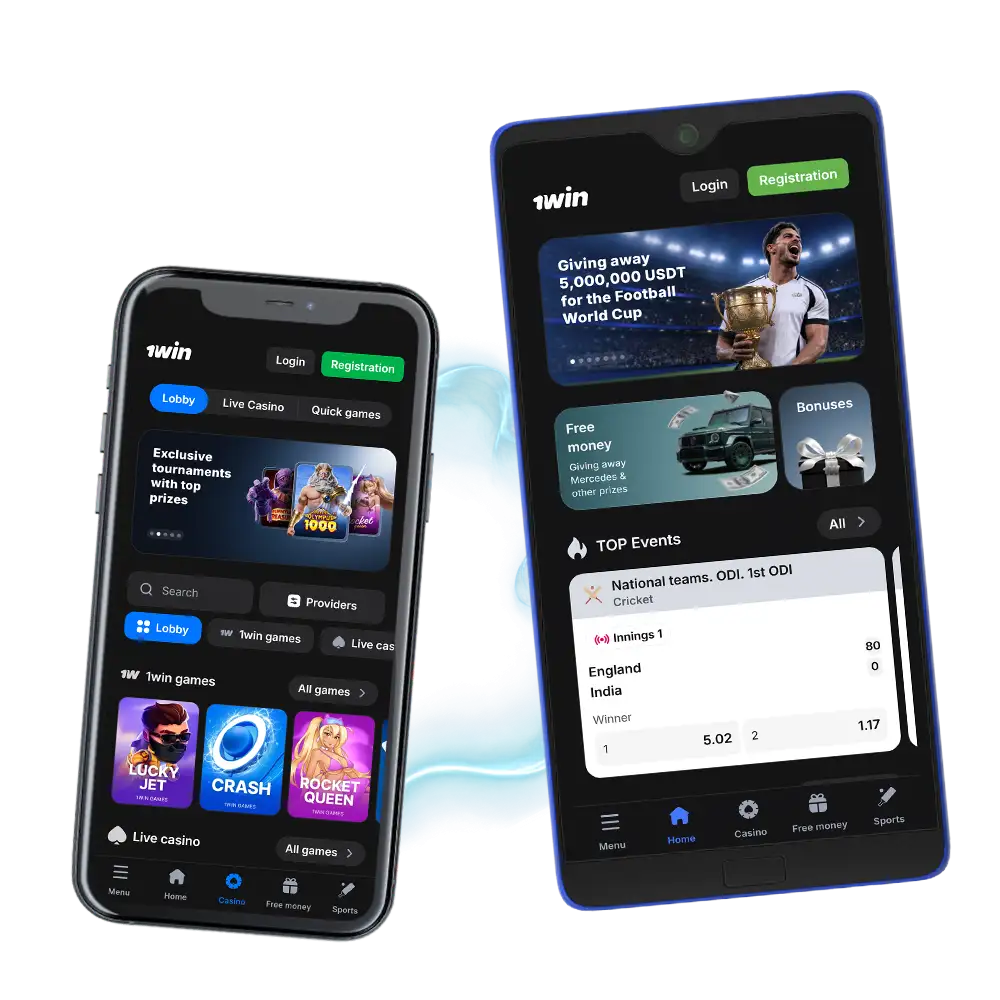
1Win App India Overview
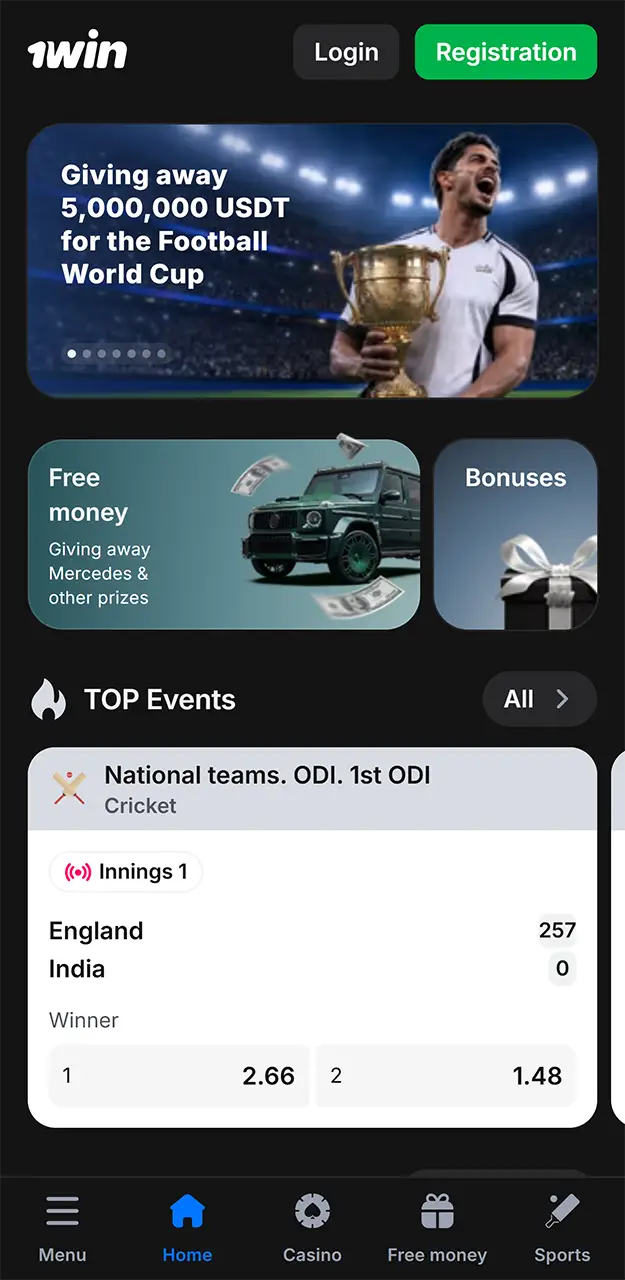
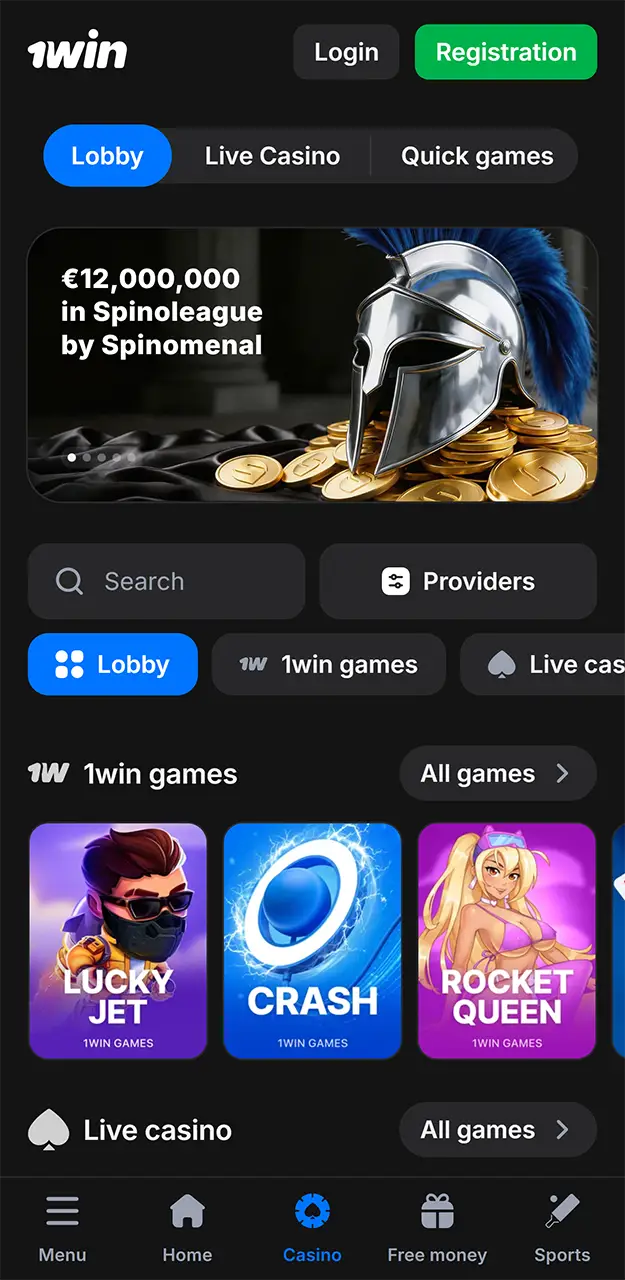
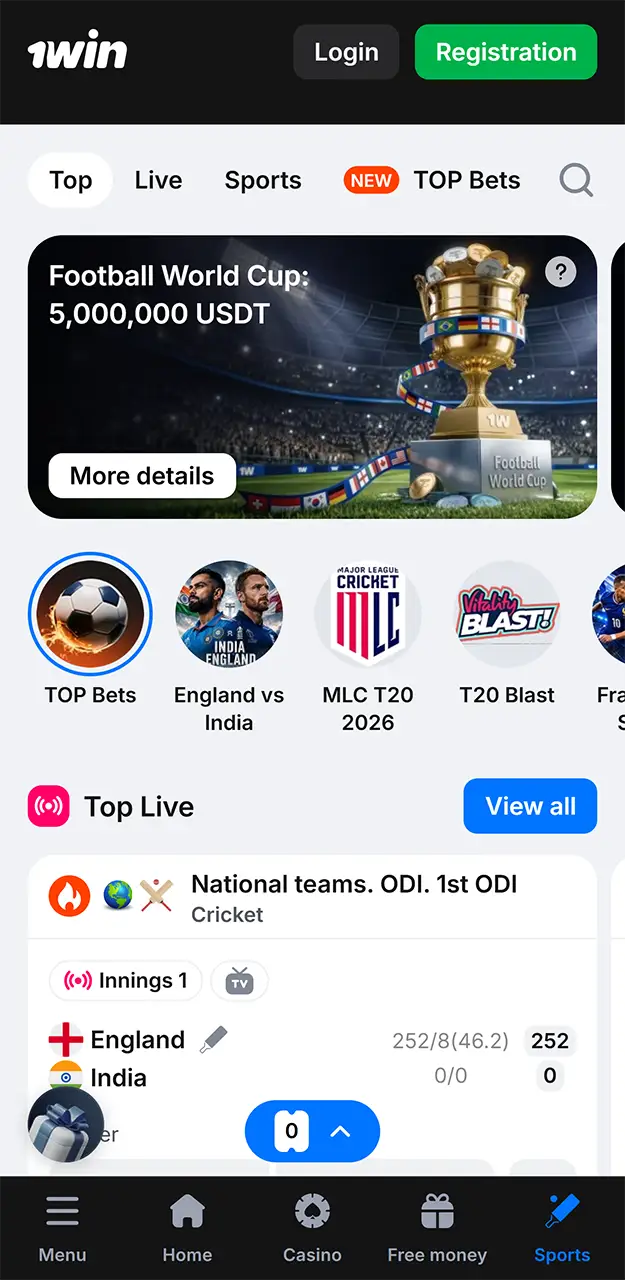
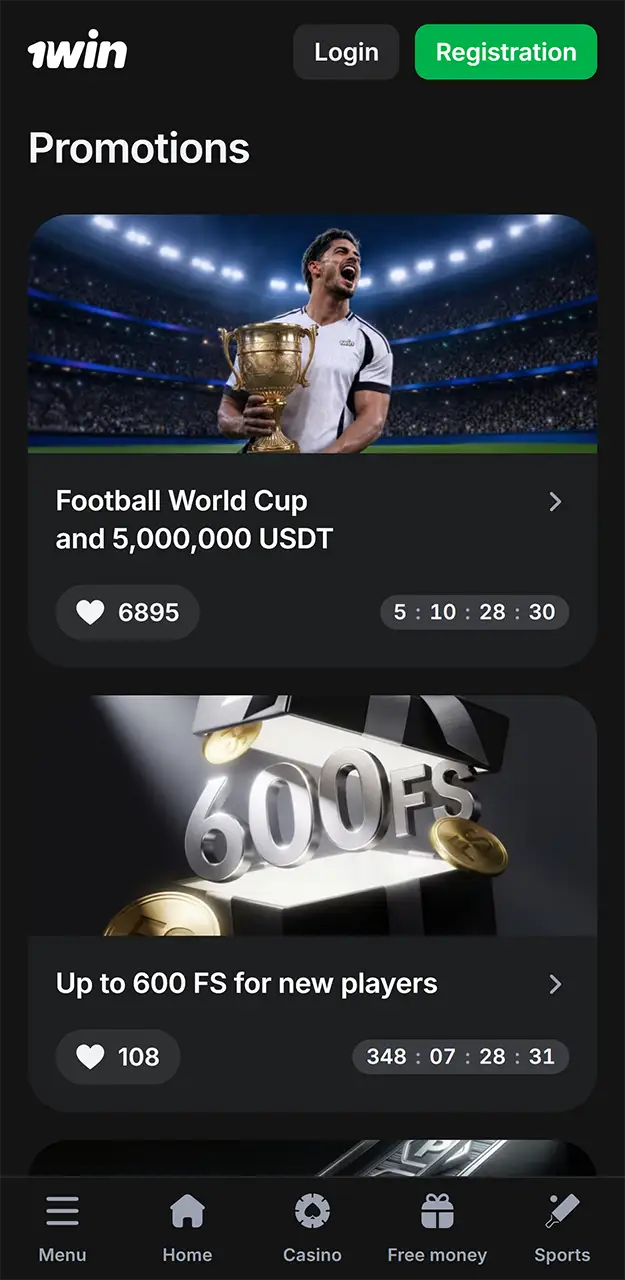
The 1Win app gives India players sport betting, casino games, live casino tables, and account payments in one mobile interface. 1Win operates under Curaçao licence № 8048/JAZ 2018-040. It supports Android, iOS through PWA, and Windows. Player data is protected with encrypted login sessions, and new app users receive 200 1Win Coins after installation.
Use this table to check the core app details before you install.
| App Category | Sports Betting, Online Casino |
| Release Date | 2018 |
| License | Curaçao № 8048/JAZ 2018-040 |
| OS Support | Android, iOS, Windows |
| Latest Version of the App | 2.7.0 APK build |
| Cost of Download | Free |
| App Languages | English, Hindi, Bengali, Russian, Portuguese, Spanish, French, Turkish |
| Size of APK | 13.5 MB |
| Installed App Size | 48 MB after first launch |
| Special App Bonus | 200 1Win Coins after installation |
| Countries Available | India, Bangladesh, Brazil, Nigeria, Mexico, Ghana |
| Auto Updates | Yes |
| Access to Sports Betting | Yes, after registration |
| Customer Support | Email, Live Chat, Phone Number |
1Win APK Download for Android in India
The 1Win apk download takes less than 1 minute on most 4G and 5G connections. The app is not listed in the Google Play Store because it includes betting and casino products. Download the Android APK directly on this website.
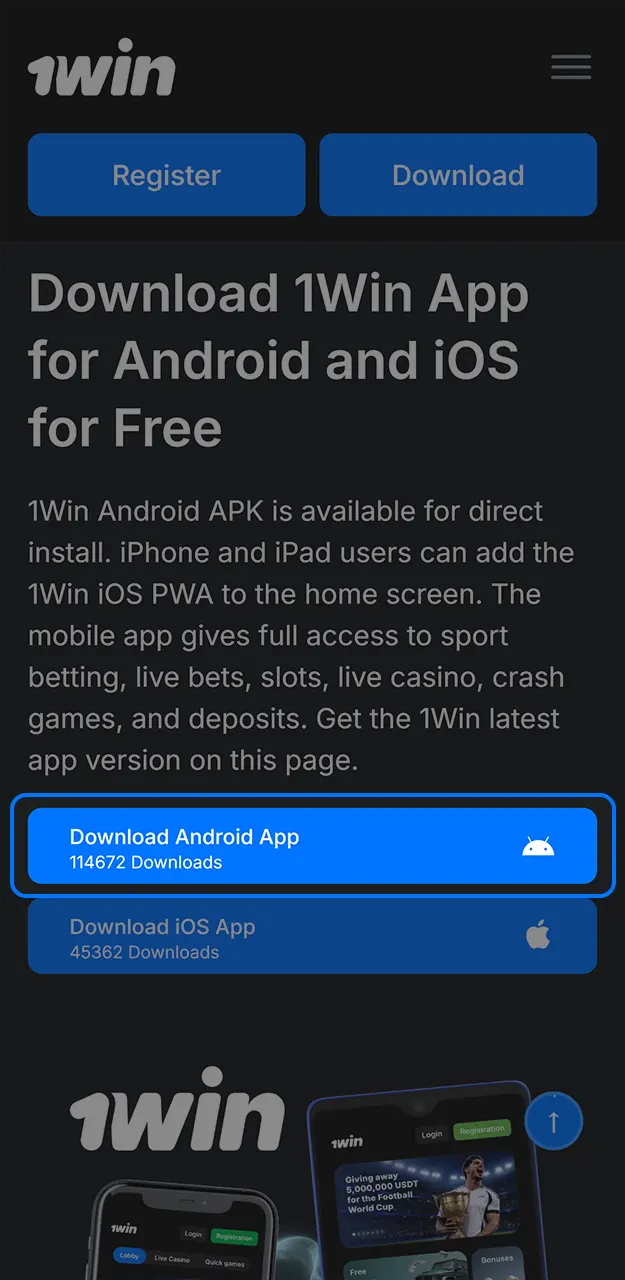
Click the Download Button
Tap the app download button below to get the latest APK file on this page.
Go to the Settings of Your Device
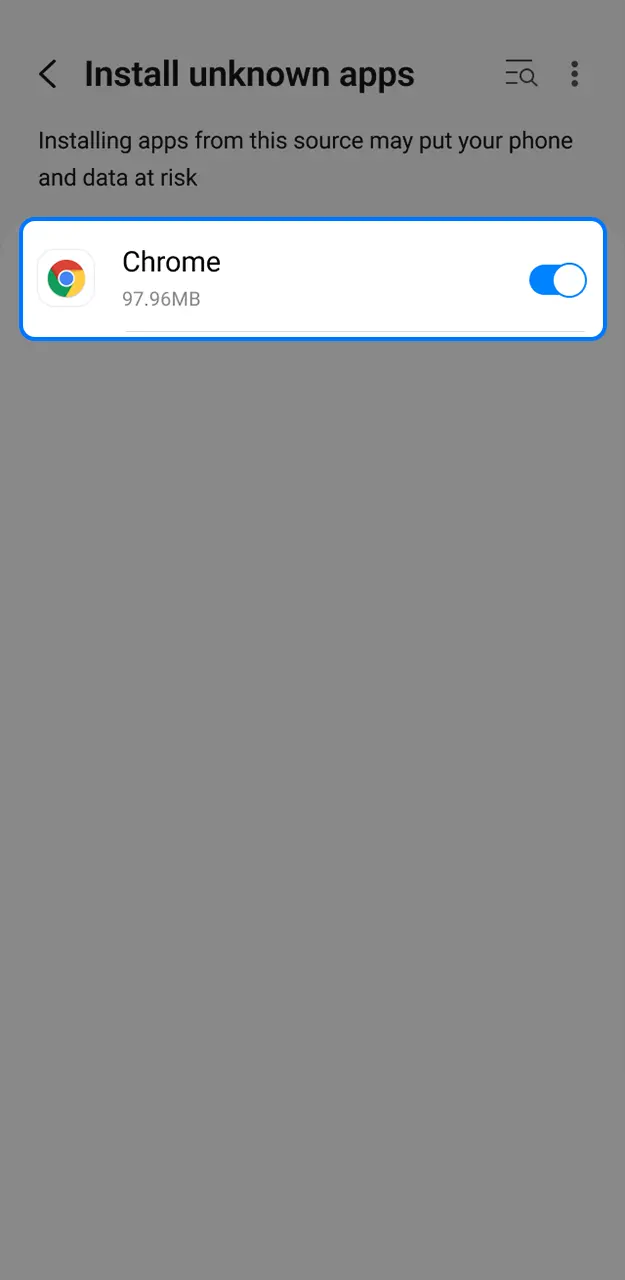
Android may ask you to allow installs outside Google Play. Open Settings, then Security, then Install unknown apps. Allow your browser to install the APK file.
Install the APK File
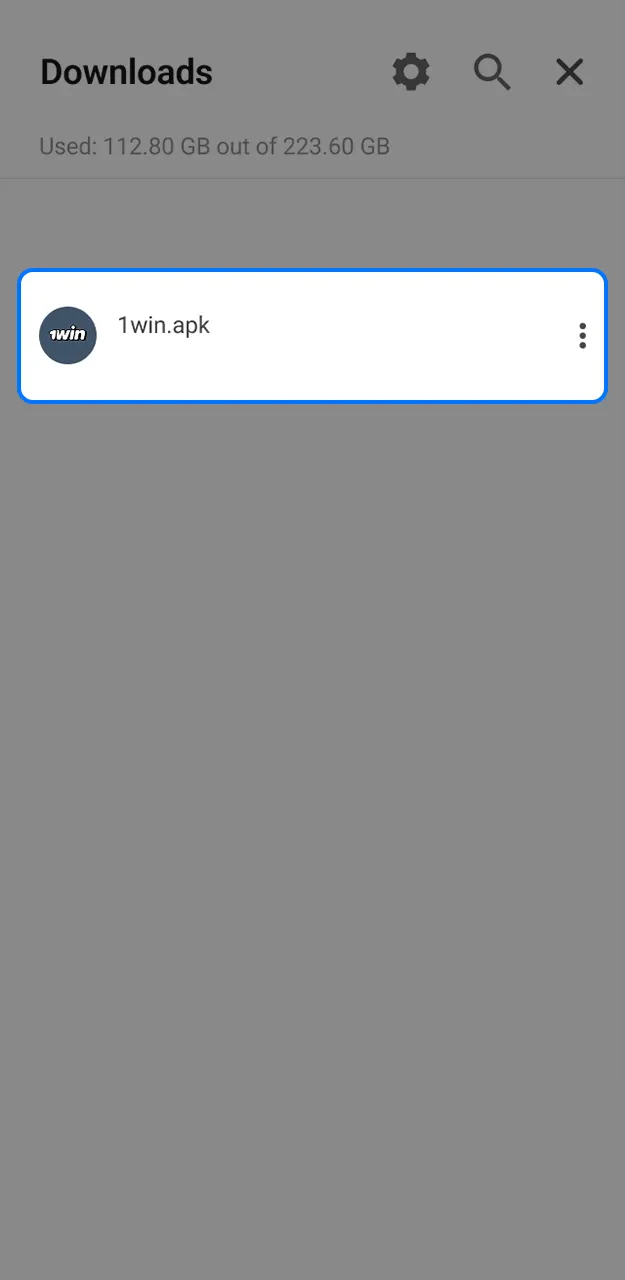
Open Downloads or File Manager. Tap the APK file. Confirm Install and wait until Android adds the app to your device.
Run App and Create an Account
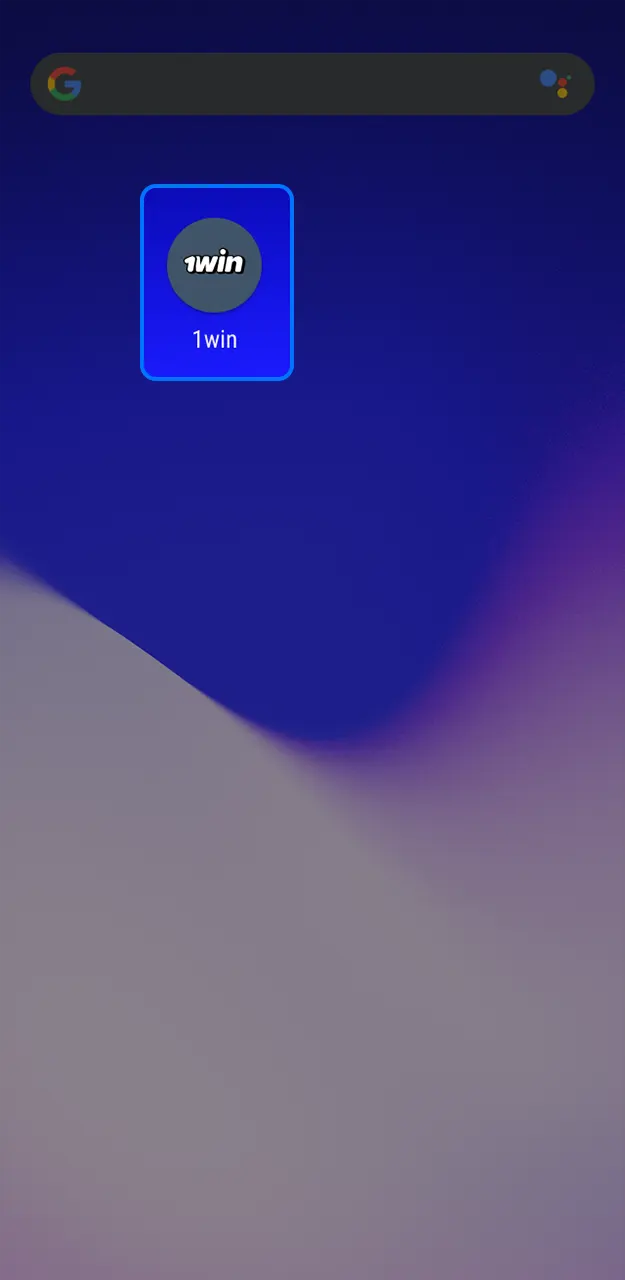
Open the app icon on your home screen. Register a new account or log in to start sport betting and casino games.
Android Requirements for 1Win Download
Install the Android APK on devices that meet these minimum requirements.
| Requirement | Minimum |
|---|---|
| Android OS Version | Android 5.0 or newer |
| RAM | 2 GB |
| Processor | Quad core 1.4 GHz |
| Free Space for Installation | 100 MB |
Android Phones That Support the App
The app is compatible with most Android models used in India. These popular devices meet the listed requirement.
| Brand | Models |
|---|---|
| Xiaomi | Redmi Note 13, Redmi Note 12, Redmi 12 5G, Poco X6, Poco M6 Pro |
| Vivo | V29, V27, Y200, T2 Pro, Y17s |
| OPPO | Reno 11, Reno 10, A78, A59 5G, F23 |
| Samsung | Galaxy S24, Galaxy S23, Galaxy A55, Galaxy A35, Galaxy M34 |
| Realme | Realme 12 Pro, Realme 11 Pro, Narzo 60, Narzo N55, Realme C55 |
| Motorola | Edge 40, Edge 50 Pro, G84, G73, G54 |
| HONOR | Honor 90, Honor X9b, Honor 70, Honor X8a, Honor Magic 5 Lite |
| Infinix | Note 30, Note 40 Pro, Zero 30, Hot 40, Smart 8 |
| Tecno | Camon 20, Camon 30, Spark 20, Pova 5, Phantom V Flip |
Install the 1Win App for iOS on iPhone and iPad
There is no standalone iOS app in the Apple App Store. iPhone and iPad users install the PWA version, which opens through Safari and works like a home screen app.
Click the Download Button Below
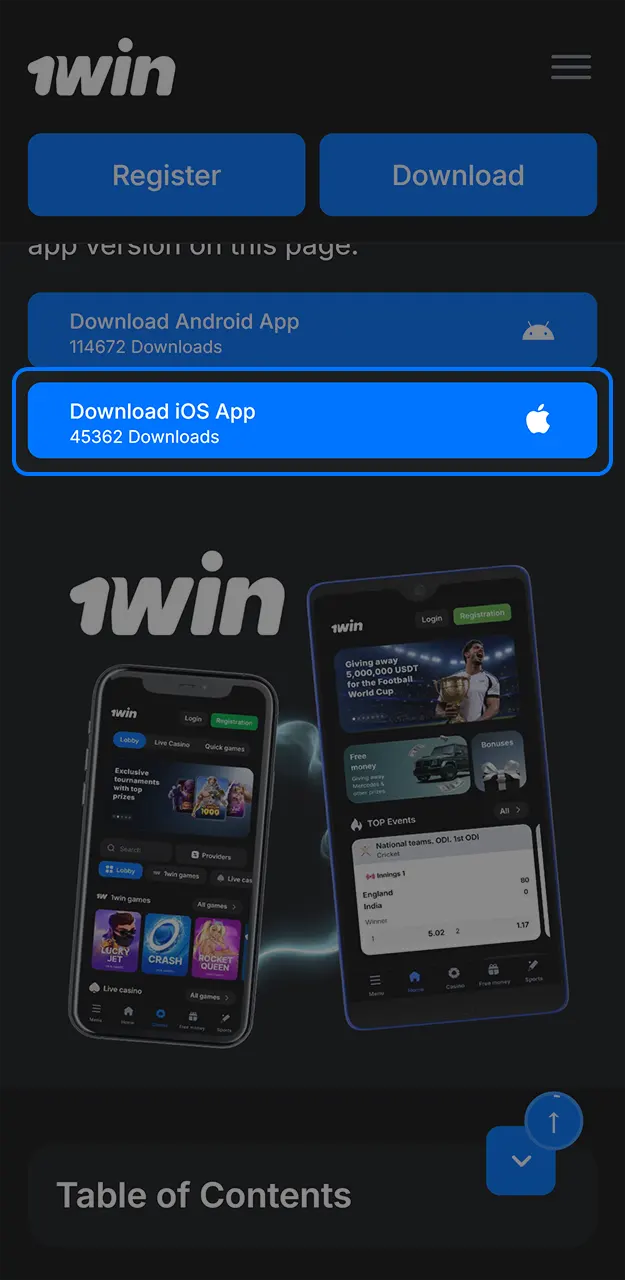
Tap Download on this page in Safari to open the iOS app access flow.
Login or Sign Up
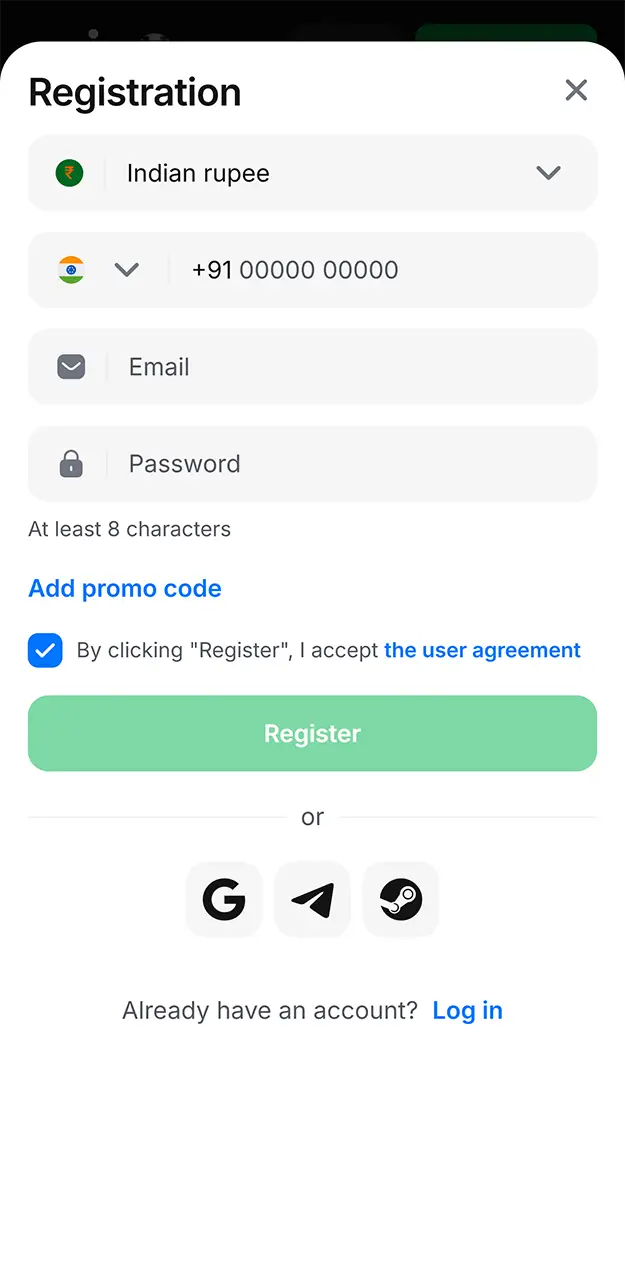
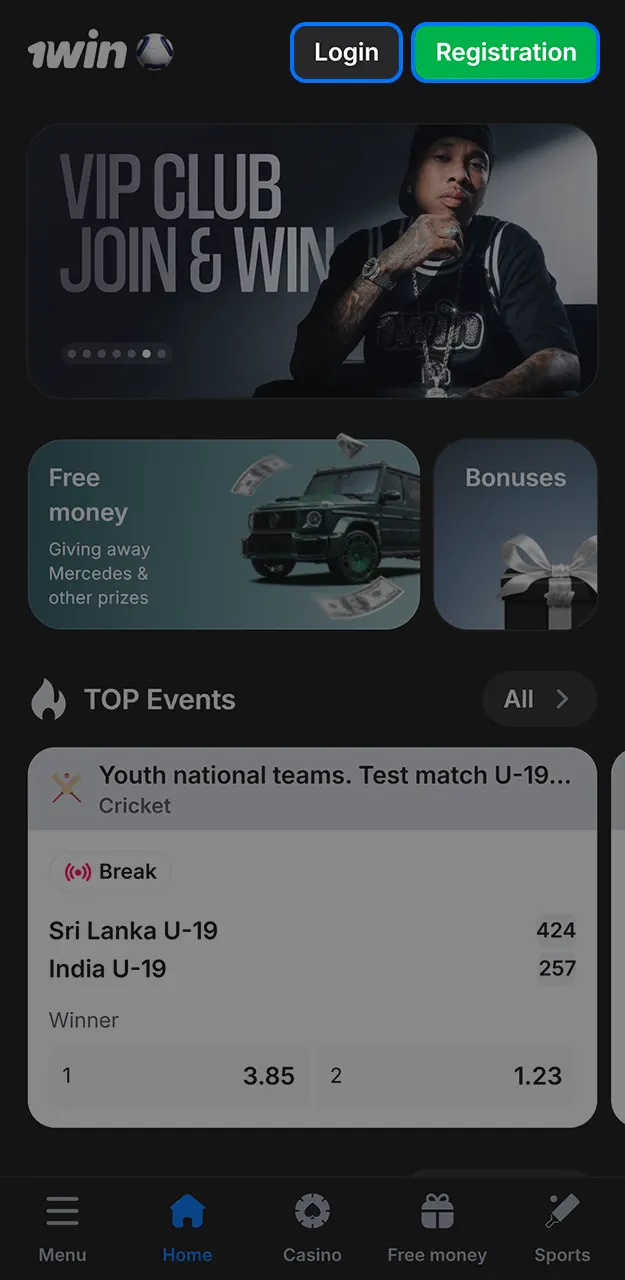
After the previous step, you reach the registration form. Log in with your existing details or create a new account.
Select the Share Option
Tap the Share button in Safari. It appears in the lower browser menu on iPhone.
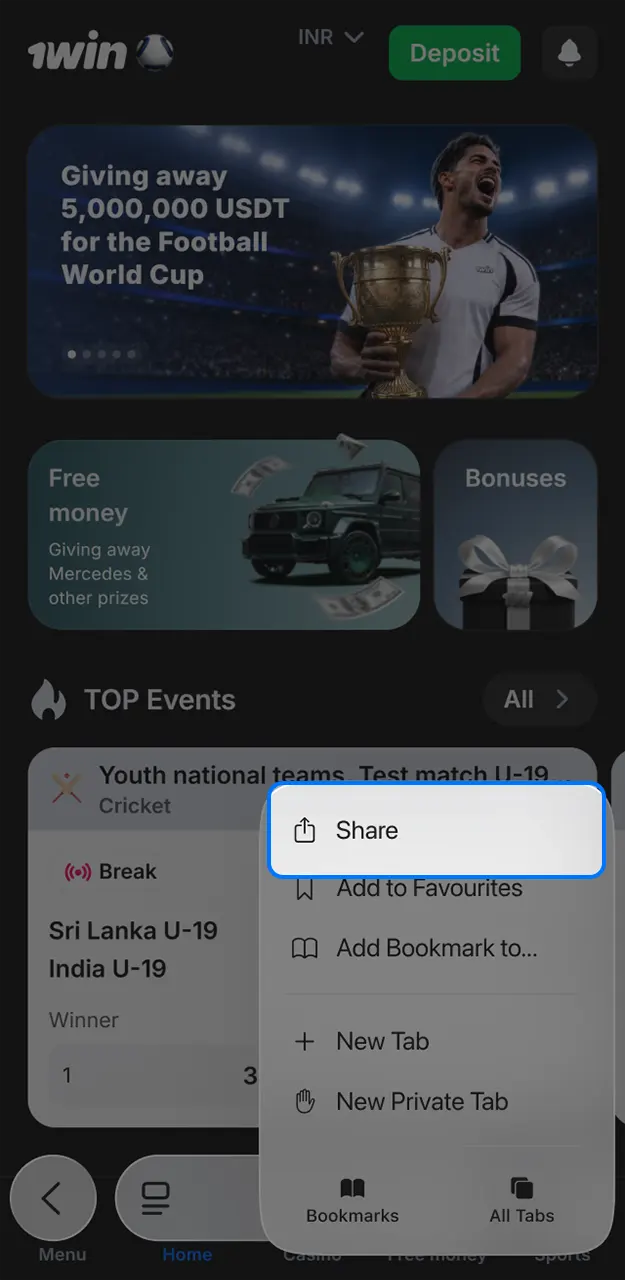
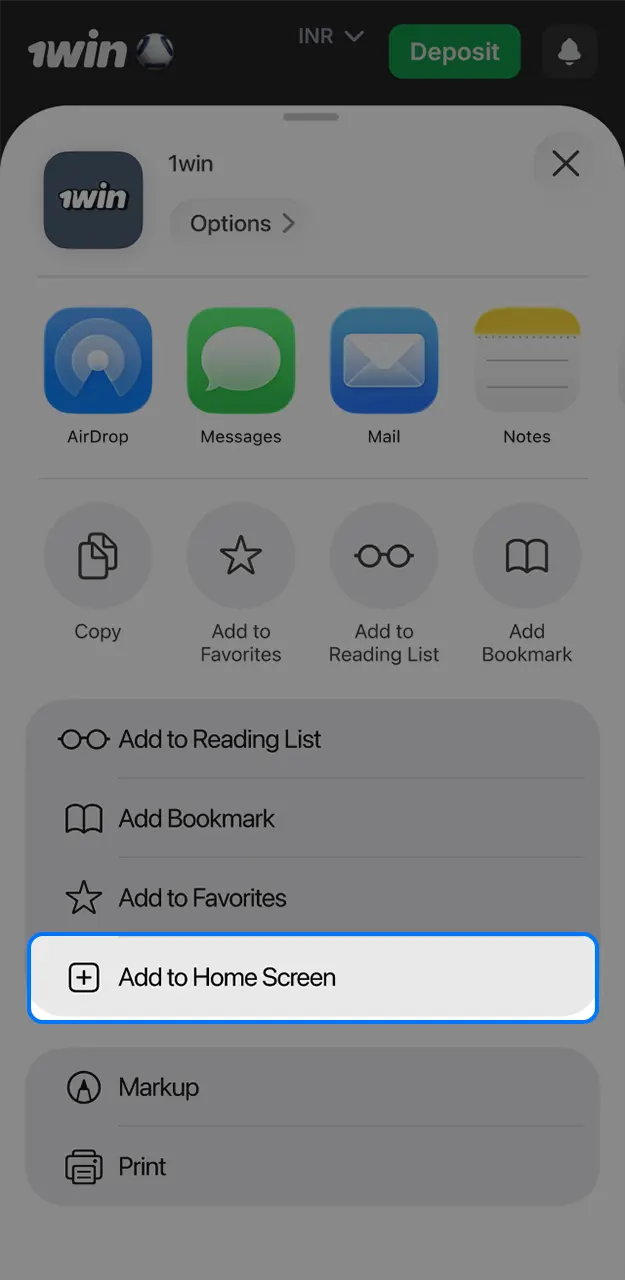
Get the iOS App
Scroll through the share menu. Select Add to Home Screen. Confirm by tapping Add in the upper right corner.
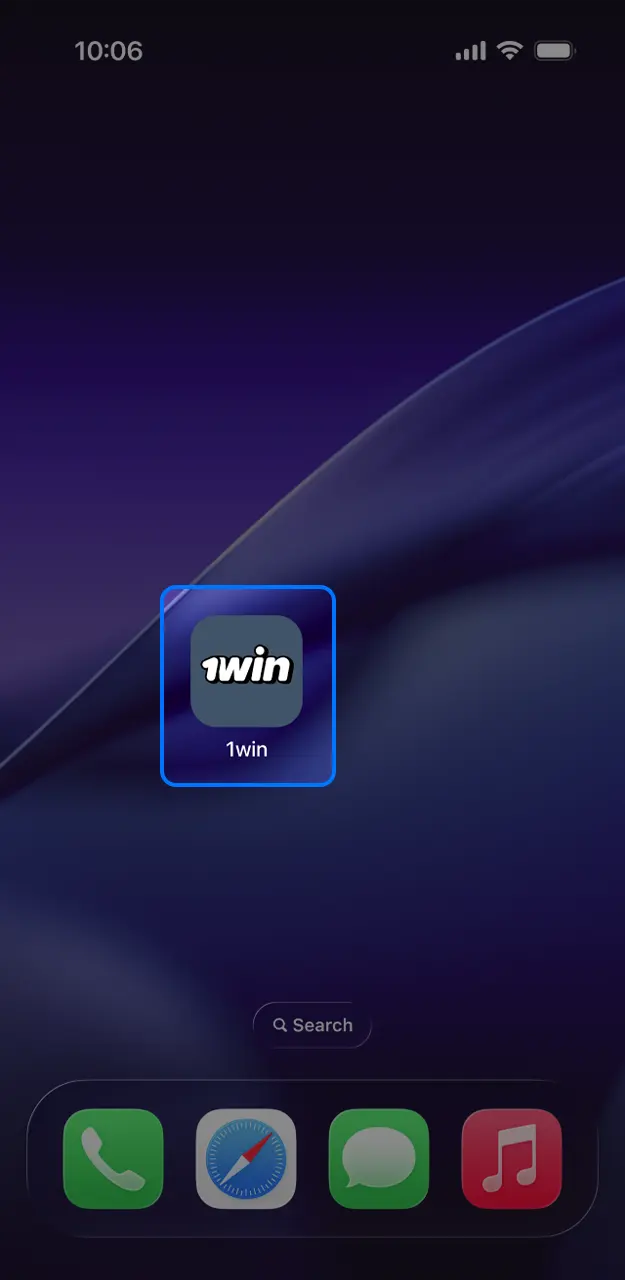
Check the Home Screen
Find the app icon on your home screen. Open it to place bets or play casino games on the go.
iOS Requirements for the PWA
The iOS PWA needs Safari and a recent iOS version.
| Requirement | Minimum |
|---|---|
| iOS Version | iOS 13.0 or newer |
| RAM | 2 GB |
| Processor | Apple A9 chip or newer |
| Free Space for Installation | 50 MB browser cache |
iPhone and iPad Models for Mobile Play
The mobile app runs on current iPhone and iPad generations with Safari.
- iPhone 15;
- iPhone 15 Pro;
- iPhone 14;
- iPhone 14 Pro;
- iPhone 13;
- iPhone SE 3rd generation;
- iPad 10th generation;
- iPad Air 5th generation.
Update the 1Win App to the Latest Version
A fresh 1Win download on this website installs the latest APK build available for Android. Updates add current sportsbook markets, casino fixes, payment tools, and security patches. Use the new APK file when the app asks for an update.
- Open this page on your Android device and tap the Download button.
- Download the latest APK file and allow your browser to install apps if Android asks.
- Open the APK file, confirm Install, and keep your existing account login details.
The iOS version is a PWA, so updates happen automatically through Safari when you open the app.
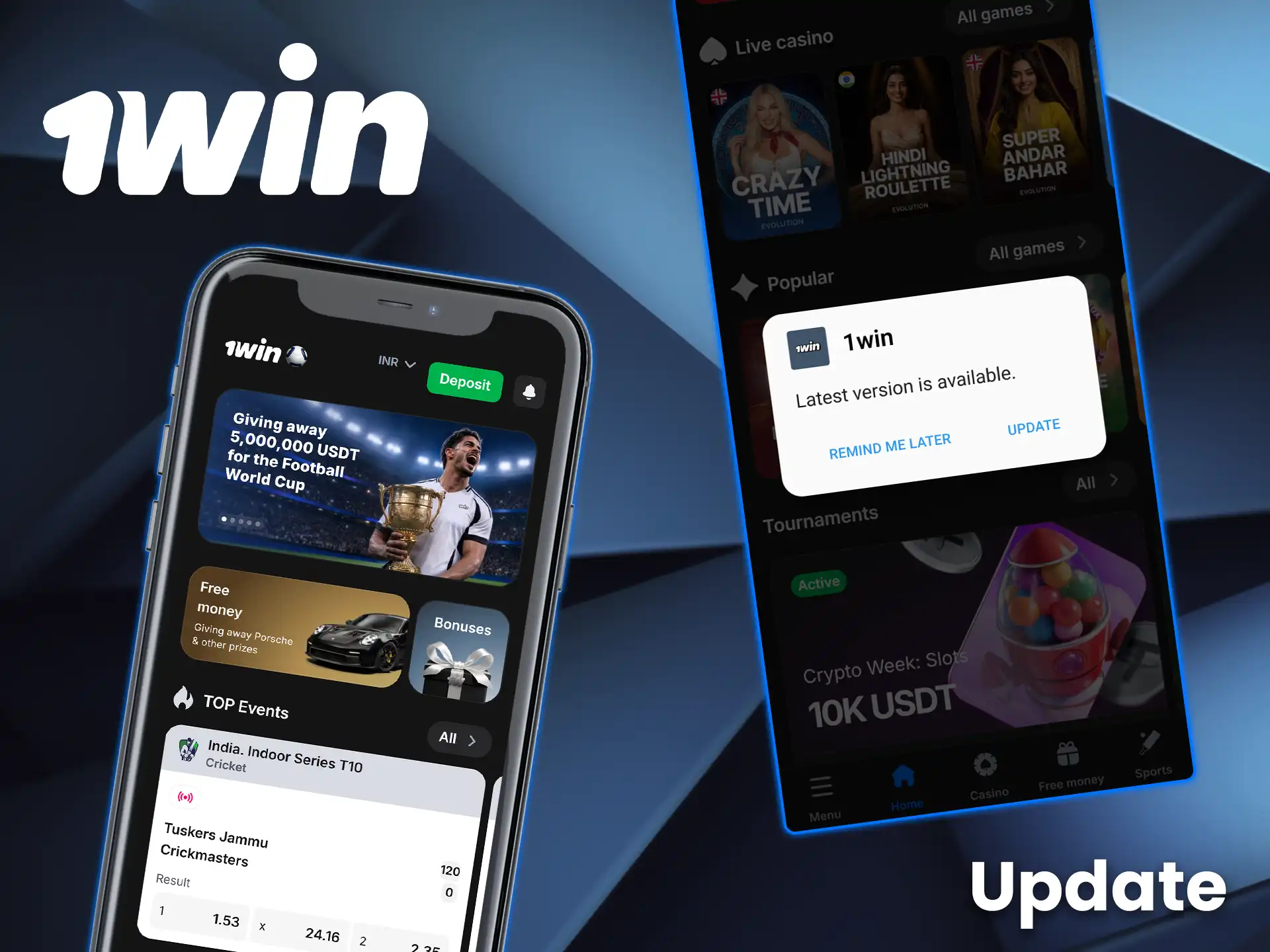
1Win Mobile Website Alternative
The 1Win mobile website works in Chrome, Safari, and other modern browsers without app installation. It gives access to login, deposits, withdrawals, sport betting, casino games, bonuses, and support. Use it if your device has limited storage or company restrictions on app installs.
Application and Mobile Website Comparison
Check the main differences before choosing app install or browser access.
| Characteristics | Application | Mobile Site |
|---|---|---|
| Installation | APK on Android, PWA on iOS, installer on Windows | No install required |
| Access speed | Opens through home screen icon | Opens through browser bookmark or URL |
| Storage use | 48 MB installed size on Android | Browser cache only |
| Updates | APK update on Android, automatic PWA update on iOS | Automatic website update |
| Feature access | Sportsbook, casino, cashier, bonuses, support | Sportsbook, casino, cashier, bonuses, support |
FAQ
APK file blocked during installation
Open Android Settings, then Security, then Install unknown apps. Allow your browser to install the downloaded APK file. Keep at least 100 MB of free storage before you retry.
Lost login details in the app
Use the password recovery option on the login screen. Enter the same phone number or email used during registration. Check SMS or email for the reset code.
App access on a new phone
Install the latest APK or iOS PWA on the new device. Log in with your registered phone number or email. Use the same currency and account details already linked to your profile.
Deposit credited late
Open Transaction History and check the payment status. UPI, PayTM, PhonePe, and GPay deposits usually appear within 5 minutes after confirmation. Contact live chat with the transaction ID if the status stays pending.
Responsible play tools in the account
The profile menu includes account settings and support access for safer play requests. Contact support if you need limits, account checks, or temporary account restrictions.
Updated:
Comments